
From Clicks to Clarity: A Marketer's Guide to Connecting Facebook Ads to Qlik
October 19, 2026 · 7 min read
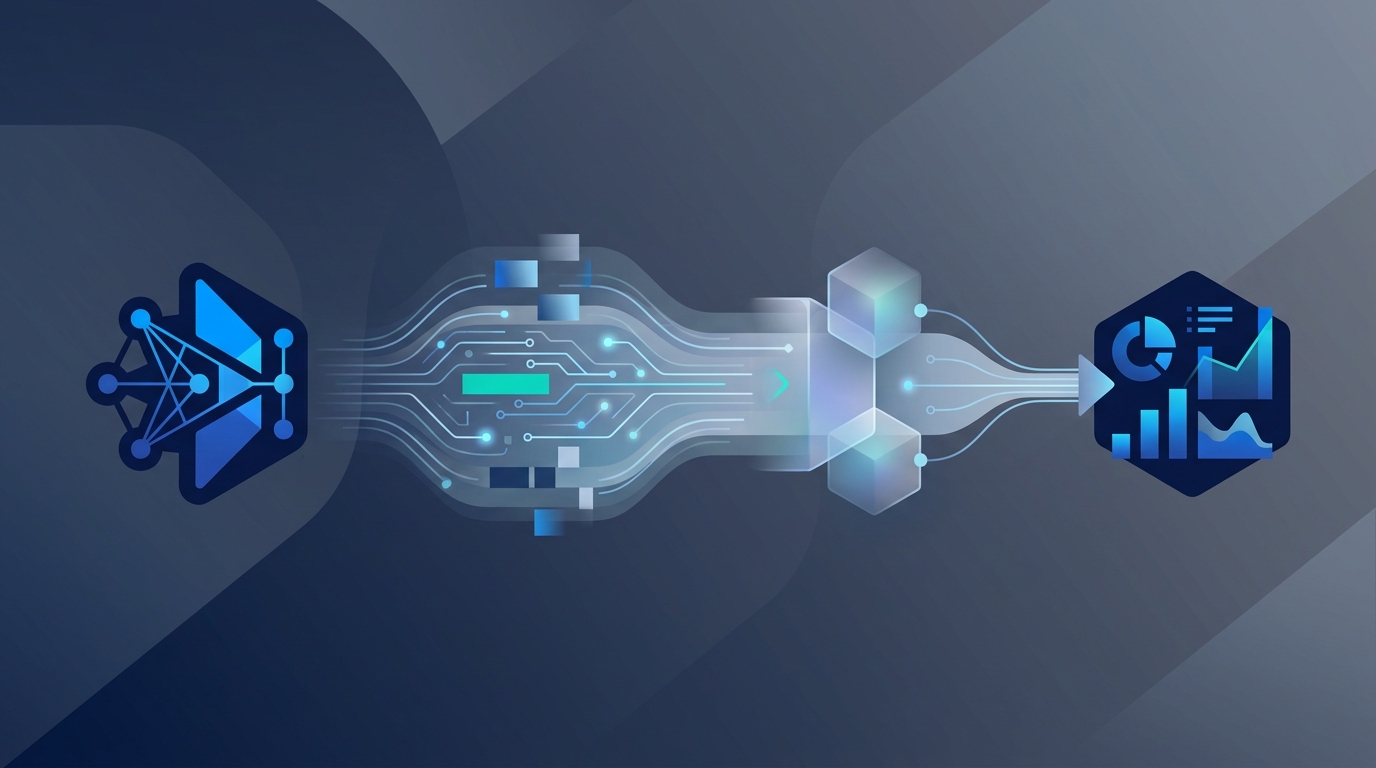
Connecting your Facebook Ads data to Qlik allows you to move beyond the limitations of the native Ads Manager dashboard. This integration enables you to blend ad performance metrics with other crucial business data (like sales, CRM, and web analytics) in a powerful business intelligence environment for deeper, more actionable insights.
While Facebook doesn't offer a direct, one-click connector to Qlik, setting up a data pipeline is achievable through several methods. This guide will walk you through the why and how, so you can transform raw ad data into a strategic asset for your marketing team.
Why Visualize Facebook Ads Data in Qlik?
Facebook Ads Manager is excellent for day-to-day campaign management and high-level performance checks. But for strategic analysis, it falls short. Marketing teams operate in a multi-channel world, and true insight comes from seeing the bigger picture. This is where a BI tool like Qlik shines.
Here are the core benefits of building a Facebook Ads Qlik integration:
- Unified View of Performance: Combine Facebook Ads data with metrics from Google Ads, LinkedIn Ads, your CRM (like HubSpot or Salesforce), and Google Analytics. This allows you to calculate a true cross-channel customer acquisition cost (CAC) and measure the holistic impact of your marketing mix.
- Deep-Dive Custom Analysis: Answer complex questions that Ads Manager can't. For example: "How does ad spend on Facebook correlate with lead quality and sales conversion rates in our CRM over the past six months?" or "Which ad creative styles perform best among customer segments with the highest lifetime value?"
- Long-Term Trend Analysis: Facebook's interface is designed for recent activity. Qlik allows you to store and analyze historical data indefinitely, making it easy to spot long-term trends, seasonality, and the cumulative impact of brand-building campaigns.
- Automated & Shareable Dashboards: Create dynamic, self-refreshing dashboards tailored to different stakeholders. Your CMO can have a high-level ROI dashboard, while your media buyers can have a granular one focused on creative and audience performance, all pulling from the same trusted data source.
The Challenge: Bridging the Gap Between Facebook and Qlik
There is no native "Connect to Qlik" button in Facebook Ads Manager. The process requires creating a data pipeline—a pathway for data to travel from Facebook's servers to your Qlik application. This involves three key steps: Extraction (getting the data from Facebook's API), Transformation (cleaning and structuring the data), and Loading (inserting it into a destination Qlik can read).
Here are the primary methods to build this pipeline, each with its own trade-offs.
Method 1: Manual CSV Exports (The Entry-Level Approach)
This is the most straightforward but least efficient method. It involves manually downloading reports from Ads Manager and uploading them into Qlik.
How it works:
- In Facebook Ads Manager: Navigate to the reporting section.
- Customize Your Report: Select the desired date range, campaigns, ad sets, and ads. Add all the columns (metrics and dimensions) you need, such as Clicks, Impressions, Amount Spent, CPC, CPM, and Conversions.
- Export the Data: Click the "Export" button and choose to save the file as a .CSV.
- Clean the Data (If Necessary): Open the CSV in a spreadsheet program to ensure formatting is correct and remove any unnecessary summary rows.
- In Qlik: Use the Data Load Editor or Data Manager to upload the CSV file and begin building your visualizations.
Pros:
- Completely free.
- No technical skills required.
- Suitable for a one-time analysis or a very infrequent report.
Cons:
- Not Scalable: Incredibly time-consuming for regular reporting.
- Prone to Human Error: Manual data handling introduces risks of mistakes.
- No Real-Time Data: Your analysis is only as current as your last manual export.
- Data Silos Persist: It doesn't solve the core problem of easily blending this data with other sources.
Method 2: Using a Third-Party ETL/ELT Connector (The Recommended Approach)
This is the most common and effective method for marketing teams. ETL (Extract, Transform, Load) or ELT (Extract, Load, Transform) platforms are services designed specifically to move data between applications like Facebook Ads and destinations like data warehouses or BI tools.
These tools handle the complexity of the Facebook Marketing API, data pagination, and schema changes for you. Popular connectors include Stitch, Fivetran, Supermetrics, and a host of others.
How it works (general steps):
- Choose an ETL Provider: Select a service that lists Facebook Ads as a source and has a way to connect to Qlik (often via a data warehouse like BigQuery, Snowflake, or Redshift, which Qlik natively connects to).
- Authenticate Your Accounts: Securely connect the ETL tool to your Facebook Ads account and your data warehouse.
- Configure the Data Sync: Select the specific reports, fields, and metrics you want to pull from Facebook. You can often choose from pre-built templates or create custom reports.
- Set a Schedule: Configure the data to refresh automatically on a schedule (e.g., every 24 hours, every 6 hours, or even hourly).
- Connect Qlik to Your Warehouse: In Qlik, create a new data connection to the data warehouse where your Facebook Ads data now resides.
- Model and Visualize: Your Facebook Ads data is now available in Qlik alongside your other business data, ready for modeling and building dashboards.
To ensure the data being piped into your warehouse is clean and comprehensive, it helps to use a unified marketing platform. Tools like MarketPilot centralize ad management and analytics across all major platforms, providing a consistent, structured data source that makes the subsequent ETL process much smoother and more reliable.
Method 3: Building a Custom API Integration (The Enterprise Approach)
For large organizations with dedicated data engineering teams, building a custom solution using the Facebook Marketing API is an option. This provides maximum flexibility but requires significant technical resources and ongoing maintenance.
How it works:
- Developer Registration: Register as a Facebook Developer and create an app.
- API Permissions: Request the necessary permissions (e.g.,
ads_read,read_insights). - Code the Pipeline: Use a programming language like Python to write scripts that call the API, handle authentication (OAuth), retrieve data, and process the JSON response.
- Transform and Load: The script must then transform this data into a structured format (like a database table) and load it into a data warehouse.
- Maintenance: The engineering team is responsible for maintaining the code, handling API version changes, and managing rate limits.
Pros:
- Complete control over the data you extract.
- Can be tailored to highly specific business logic.
Cons:
- Requires significant developer resources and expertise.
- High initial cost and ongoing maintenance burden.
- Facebook's API can change, requiring updates to your code.
Comparison of Methods
| Feature | Manual CSV Export | ETL/ELT Connector | Custom API Integration |
|---|---|---|---|
| Cost | Free | Subscription Fee ($$-$$$) | High (Developer Salaries) |
| Setup Time | Minutes (for one report) | Hours | Weeks or Months |
| Maintenance | High (manual effort) | Low (managed by provider) | High (internal team) |
| Data Freshness | Stale (point-in-time) | Near Real-Time (scheduled) | Near Real-Time (custom) |
| Scalability | Very Low | High | Very High |
| Technical Skill | Low | Low-to-Medium | High (Data Engineering) |
Best Practices for Your Qlik Dashboard
Once the data is flowing, the real work begins. Here’s how to get the most out of your new integration.
- Start with Key Questions: Don't just replicate the Ads Manager dashboard. Ask strategic questions. What is our true ROAS when factoring in customer lifetime value? Which campaigns are driving the most qualified leads according to our CRM?
- Build a Data Model: In Qlik, create associations between your Facebook data and other data sets. Link your Facebook campaign data to your CRM data using UTM parameters or dates. Connect it to your sales data to see the final impact on revenue.
- Visualize for Insight: Go beyond simple bar charts.
- Use a scatter plot to visualize the relationship between spend and conversions for different campaigns.
- Create a funnel chart showing drop-off rates from impression to click to lead to customer.
- Use a map visualization to see performance by geographic region.
- Build a P&L-style table that shows spend, revenue generated, and net profit per campaign.
By unifying the operational and analytical layers of your marketing, you create a powerful feedback loop. Managing campaigns in a centralized platform, analyzing performance in a BI tool, and feeding those insights back into your strategy is the hallmark of a data-driven marketing ops function. This is where the synergy between a platform like MarketPilot and a tool like Qlik becomes a competitive advantage.
Connecting Facebook Ads to Qlik is a transformational step for any marketing team serious about data. It moves you from reactive reporting to proactive, strategic analysis. While the manual method is a starting point, investing in an automated ETL connector is the most practical and scalable solution for unlocking the true value of your marketing data.
Frequently asked questions
Related posts
More on the topics covered in this article.